Register Nameservers
If you wish to use nameservers that have not been registered through the respective registry, you can add them in your control panel. To begin, login to your account.
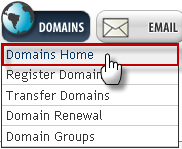
• Mouse over the “Domains” tab and click “Domains Home.”
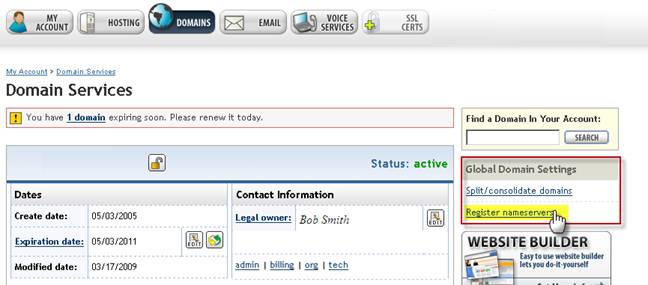
• On the following page, click “Register Nameservers” on the right.
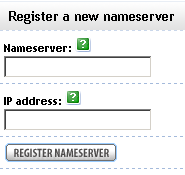
• Enter the nameserver hostname for the nameserver you wish to add along with the IP address. Please make sure that your nameserver is set up and properly configured before you register.
• Repeat the process if more nameservers are required.